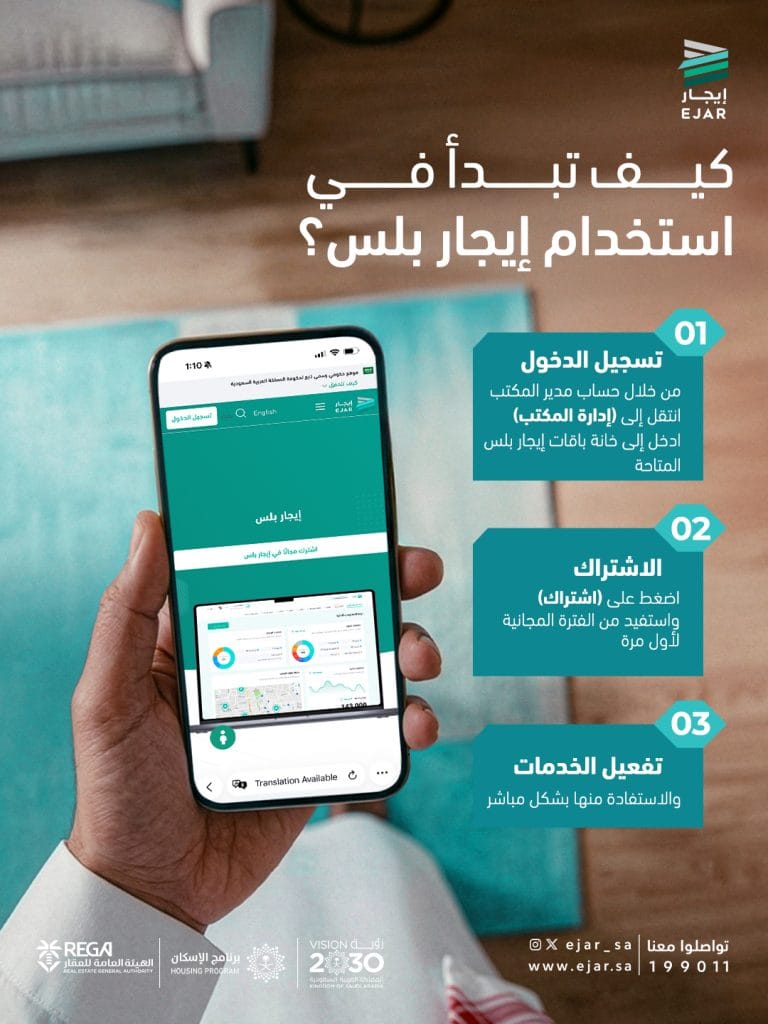

The “Ejar” platform allows beneficiaries to start using the “Ejar Plus” service and benefit from its services through 3 basic steps, starting with logging in and ending with activating the services and benefiting from them directly.
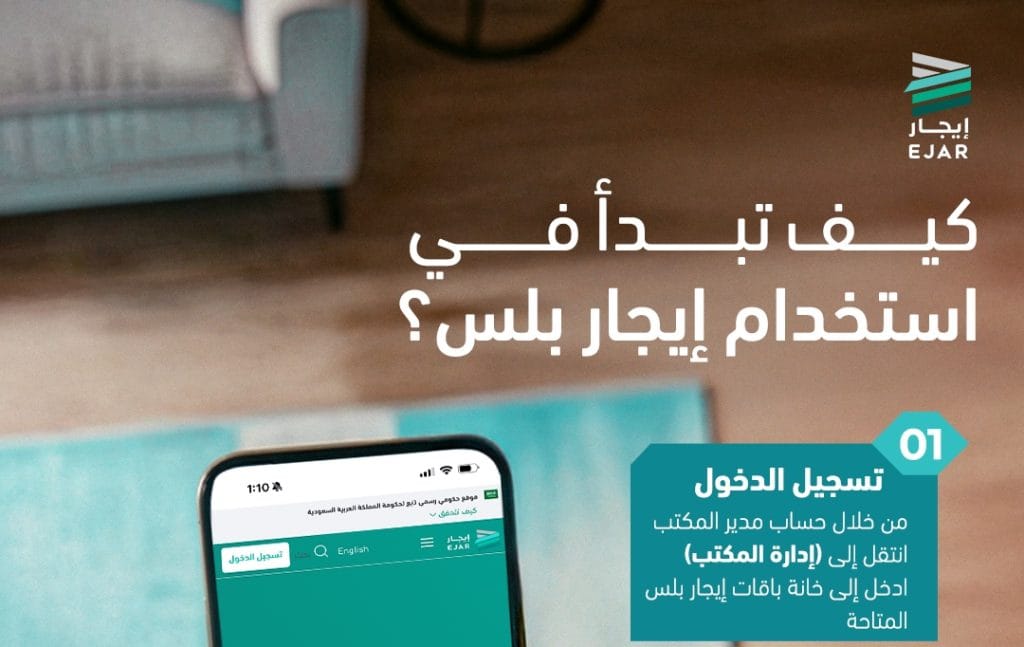
Log in
The first step begins with the office manager's account, by going to "Office Management", then entering the "Available Rental Plus Packages" section.
Subscription
After logging in, the second step is to click on the “Subscribe” option to take advantage of the free period for the first time.
Activating services
The third step is to activate the services, and then benefit from them directly.