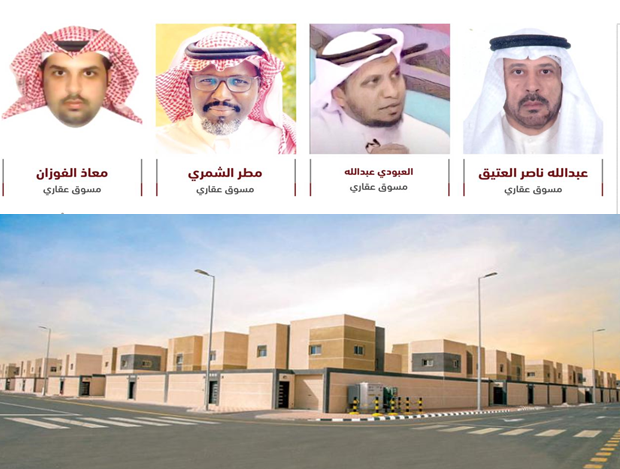

The Housing Support Program from the Ministry of Municipalities and Housing offers financing to the most needy citizens to help them own the right and suitable housing. The “Sesni” website and application offers a variety of housing facilities and services that include real estate consultant, issuing real estate transaction tax certificates, displaying the prices of financial institutions, issuing land contracts electronically, engineering design service and “approved contractor”, e-finance and “real estate market”, as well as registration and immediate entitlement, and issuing building permits electronically.
Create a user account with the Ministry of Municipalities and Housing. To create a new user account in Sakani, follow these steps:
- Visit the official website:
- Go to the official website of Sakany online platform here. .
- Search for enrollment option:
- Look for the “New Registration” or “Create Account” option on the site's homepage. You will find an obvious button or link at the top of the page.
- Filling out personal data:
- Enter the required personal data, such as:
- Full name
- National ID number
- Date of birth
- Mobile phone number
- Enter the required personal data, such as:
- Enter verification code:
- A verification code will be sent to your cell phone or email. Enter this code in the field provided.
- Choose a strong password:
- Choose a strong password and memorize it. Make sure the password complies with security requirements such as length and use of special characters.
- Review and confirm information:
- After entering all the required information, review it to make sure it is correct, then click “Confirm” or “Submit” to complete the registration process.
- Account activation:
- You may need to activate your account via a link sent to your email or a text message on your mobile phone. Follow the instructions in the message to activate your account.
With these steps, you have successfully created a new account in Sakany online platform.
With these steps, you have successfully created a new account in Sakany online platform.