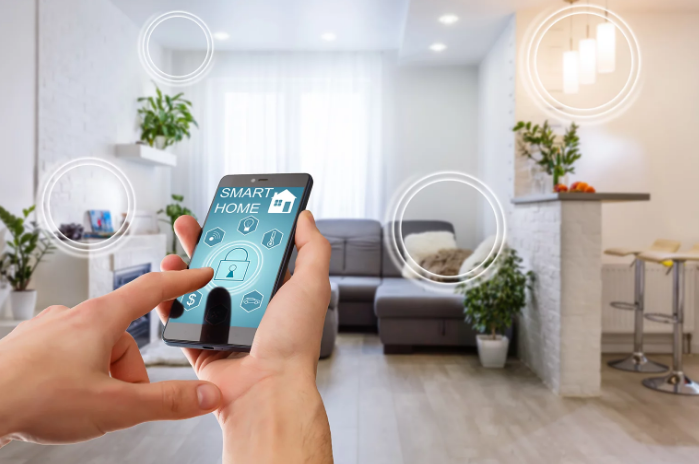
At the annual CES 2024 held in Las Vegas over the past few days, smart home experts emphasized that while spending time at home is expected to become more convenient and connected, the privacy of the smart home is also a growing concern.
Technology giants such as: Samsung, Apple, Google, Amazon and a host of other smart home device manufacturers are working to create a more seamless and highly personalized connected home environment.
With all the personal data you'll be pumping into your smart home devices, you'll need to pay more attention to how you protect it and optimize your privacy. Connected devices collect disparate bits of data that seem harmless but can give companies insights into your private life." With all the personal data you'll be pumping into your smart home, you'll need to pay more attention to how you protect it and optimize your privacy.
<As our homes become smarter and our lives become increasingly connected to the internet, the importance of securing connected devices needs to be emphasized. As a result, it's up to you to enhance your security and privacy if you want to make your smart home more secure. Here are 5 easy and simple steps you should know about how to secure your smart home devices.
When you use a VPN (Virtual Private Network) on your router you can protect your privacy by preventing others from seeing your smart home activity. But you must have a VPN-compatible router, and VPNs will provide you with a secure, encrypted connection to the internet.
<This means that no one will be able to monitor any activity on smart devices that you connect to through a VPN-enabled router. This feature is useful if you want to keep your Smart TV viewing activity private, or you want to make sure no one is interested in the smart devices in your home and the data they transmit over the internet.
Similarly, you'll want to lock your home Wi-Fi door with a strong password.
<Similarly, you'll want to secure each of your smart devices with a strong and unique password. Default passwords for your devices won't solve it, as cybercriminals already know the default passwords for most common smart devices. Finally, to set strong passwords for your devices, it's a good idea to consider using a trusted password manager.
If an unauthorized entity gains access to your Wi-Fi network, you could be seriously compromised. But you can protect your most sensitive personal data if you keep your smart home devices isolated on a network separate from your main devices, such as your computer, phone, and tablet.
<If your router allows you to create a secondary guest network, you can set up your smart home devices to connect to that separate network instead of your main network. Of course, you'll still want to create a strong password for your secondary smart device network.
Don't rely on your devices" default privacy settings to protect your privacy. In fact, smart device manufacturers typically aim to collect as much data as possible to discover ways to improve their products and ultimately sell more of them, so they are not keen on enabling default privacy settings on their devices because they create obstacles to collecting that data. Do not rely on your device's default privacy settings to protect your privacy. Do not rely on your device's default privacy settings to protect your privacy.
<Go to the control panel of your devices and enable the settings that work best for you and give you the desired level of privacy. You can also disable some of the features you don't need, such as remote access, cameras, and microphones, if they're not necessary. H4>
If the answer is "yes," don't buy a device from that company.
Smart home devices can add some serious convenience to your life at home, but if the devices you use aren't secure and properly protect your privacy, the trade-off isn't worth it, so take the time to do your research on the devices you're considering buying and placing in your home.
Smart Home Protection Steps
1- Use a VPN on your router
2. Use strong passwords for Wi-Fi networks
<You wouldn't leave the front door of your home wide open for anyone to come in as they please, by the same token lock the door to your home Wi-Fi network with a strong password. It may only take a moment to crack a weak password.3. Launch IoT devices on a separate network
4- Control privacy settings for smart devices
5- History and experience of smart device manufacturers
Does the company whose smart device you want to buy have a troubling privacy policy for collecting and sharing private data? Does the manufacturer have a history of data breaches? If the answer is "yes," don't buy a device from that company.

5 simple steps to protect your smart home from cyberattack
Practical tips: Use a VPN, strong passwords, and separate networks to secure connected devices and protect privacy.